2Create a wallet
We’ll guide you step by step using Xaman, the most widely used wallet for XRPL NFTs.
Types of wallets
Xaman Wallet
A feature-rich wallet that supports many XRP-related services as standard.
Sending and minting NFTs is almost free, though fees may apply for large transfers.
Joey Wallet
A wallet developed by the xrp.cafe team, offering very low transaction fees and NFT support.
It’s known for its lightweight and simple user experience.
1Download Xaman
2Initial setup
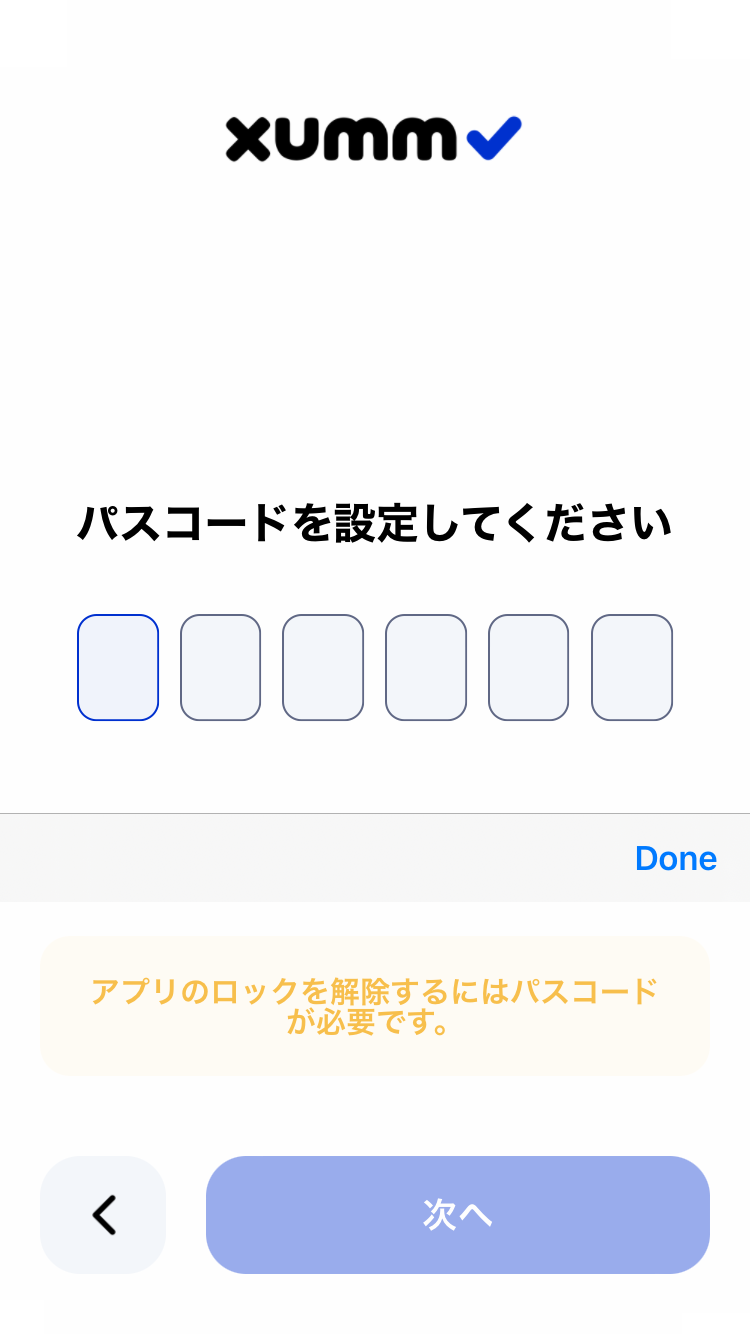
1. Set a 6-digit passcode
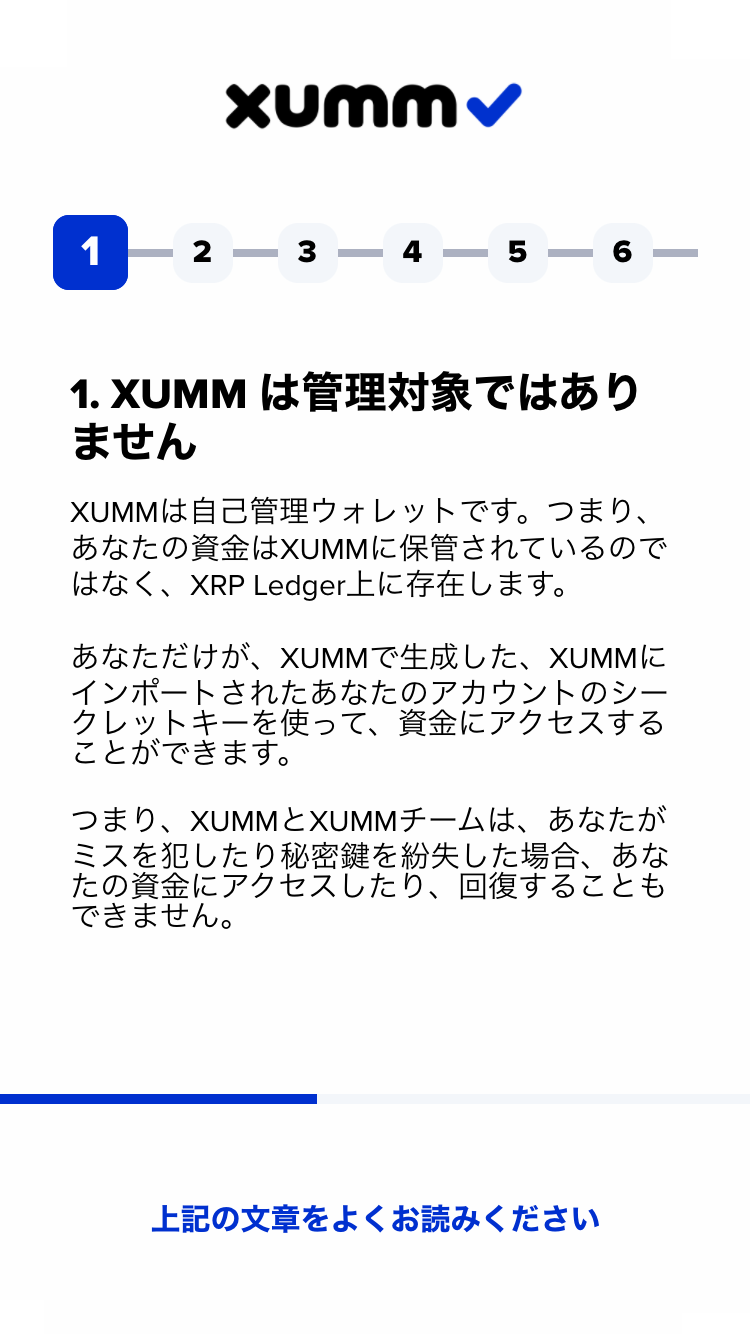
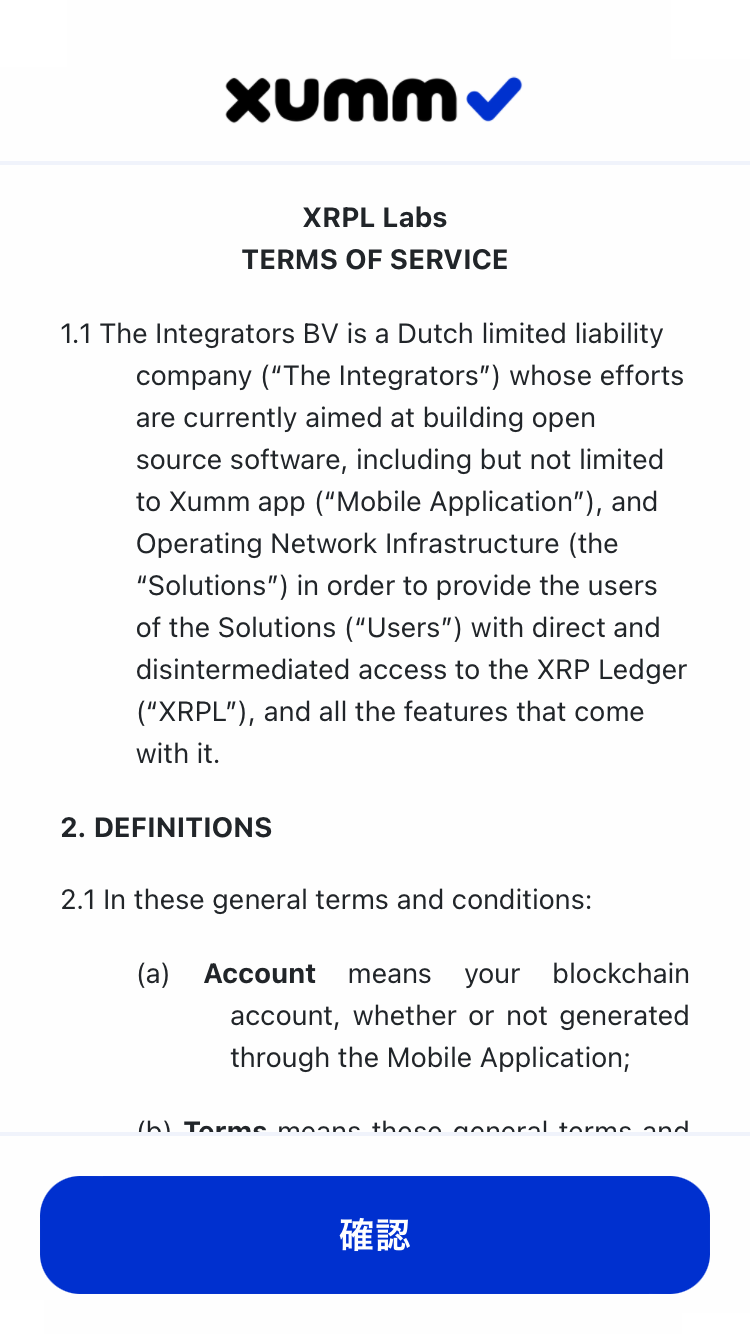
2. Agree to the security notices
Several pages of security notes will be shown.
Please read them carefully and check “I understand” on each page.
3Create an account
1. Create a new account
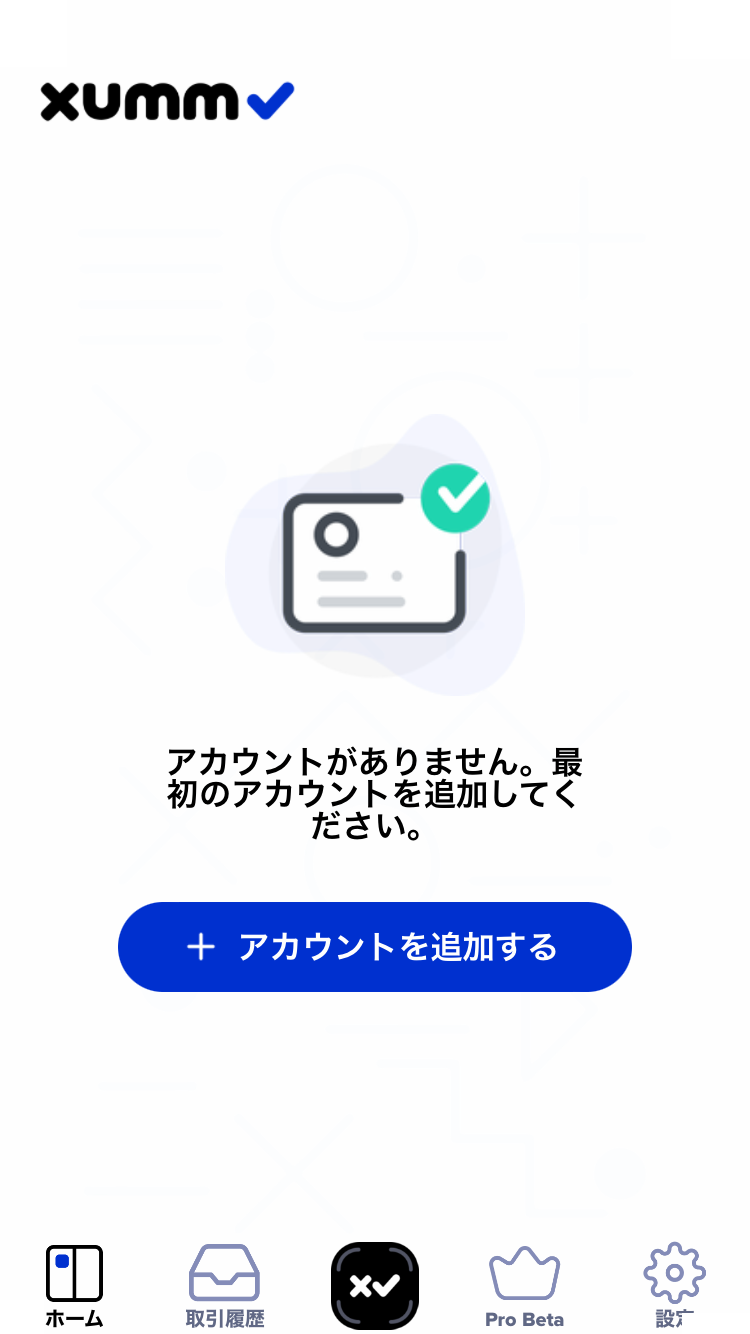
Tap “Add a new account.”
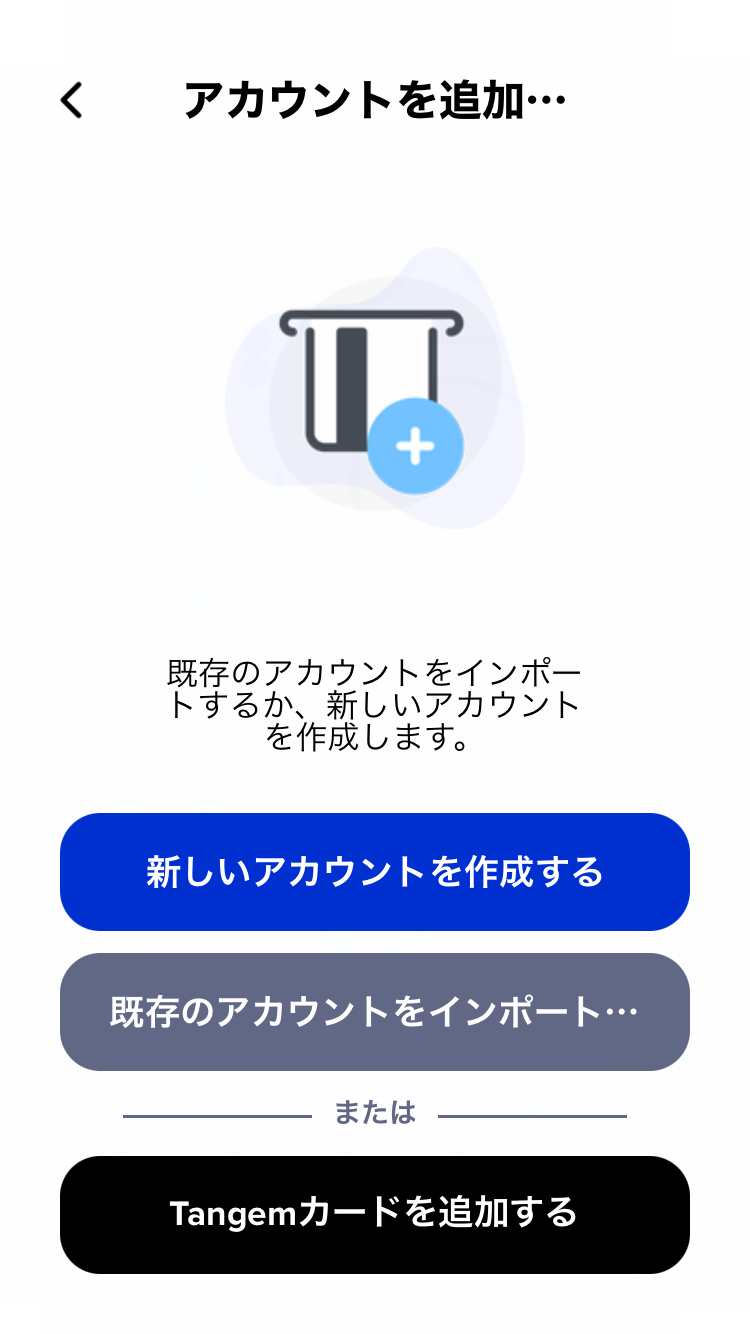
Then tap “Create a new account.”
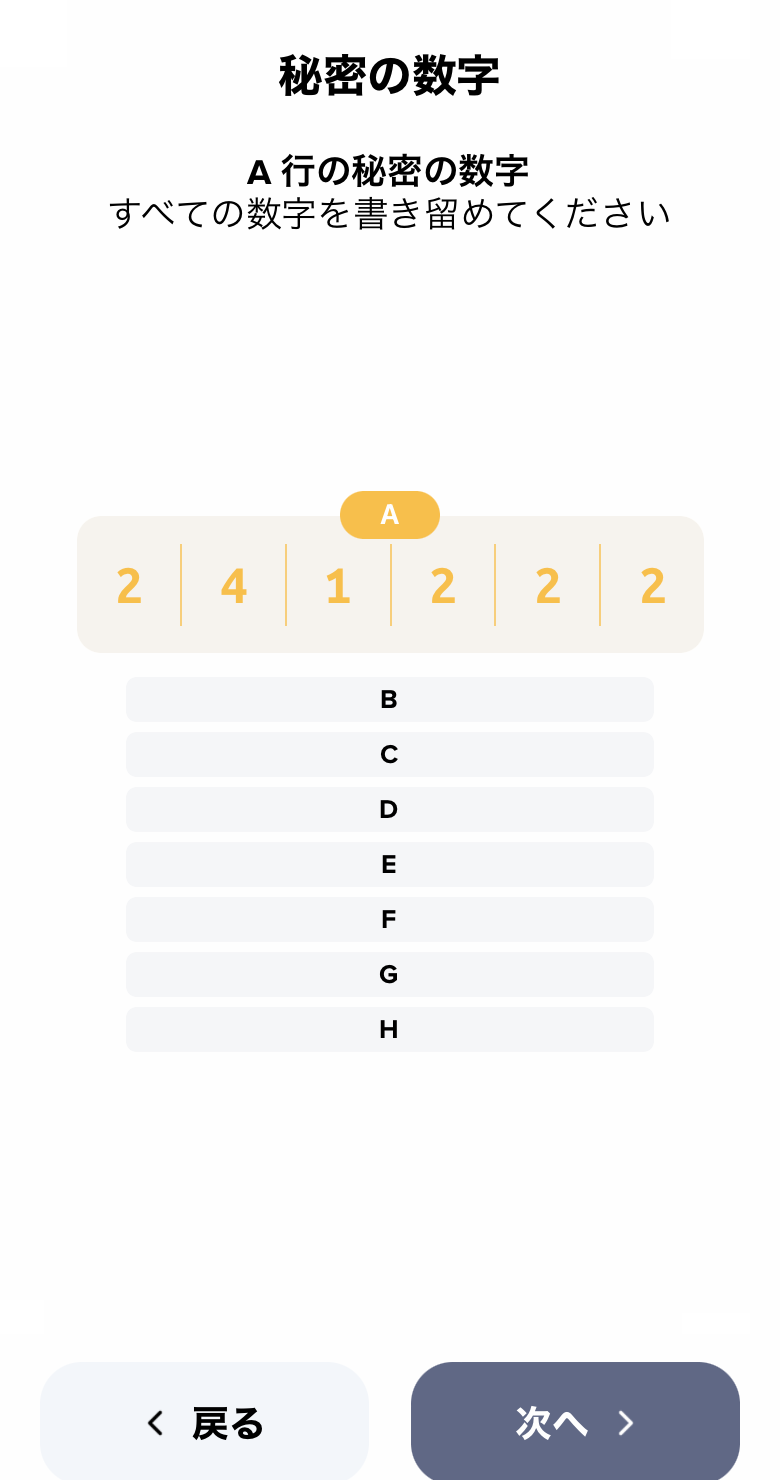
2. Write down your secret number group
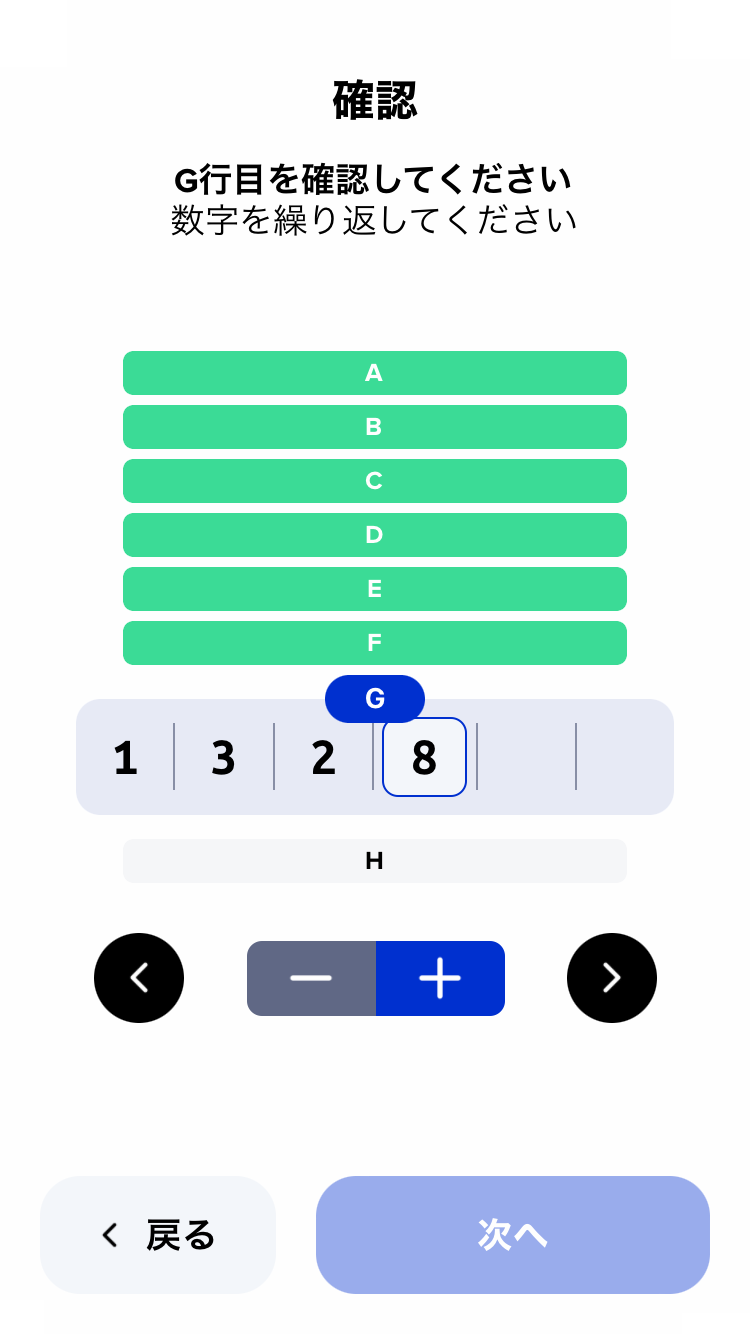
3. Enter the numbers on the confirmation screen
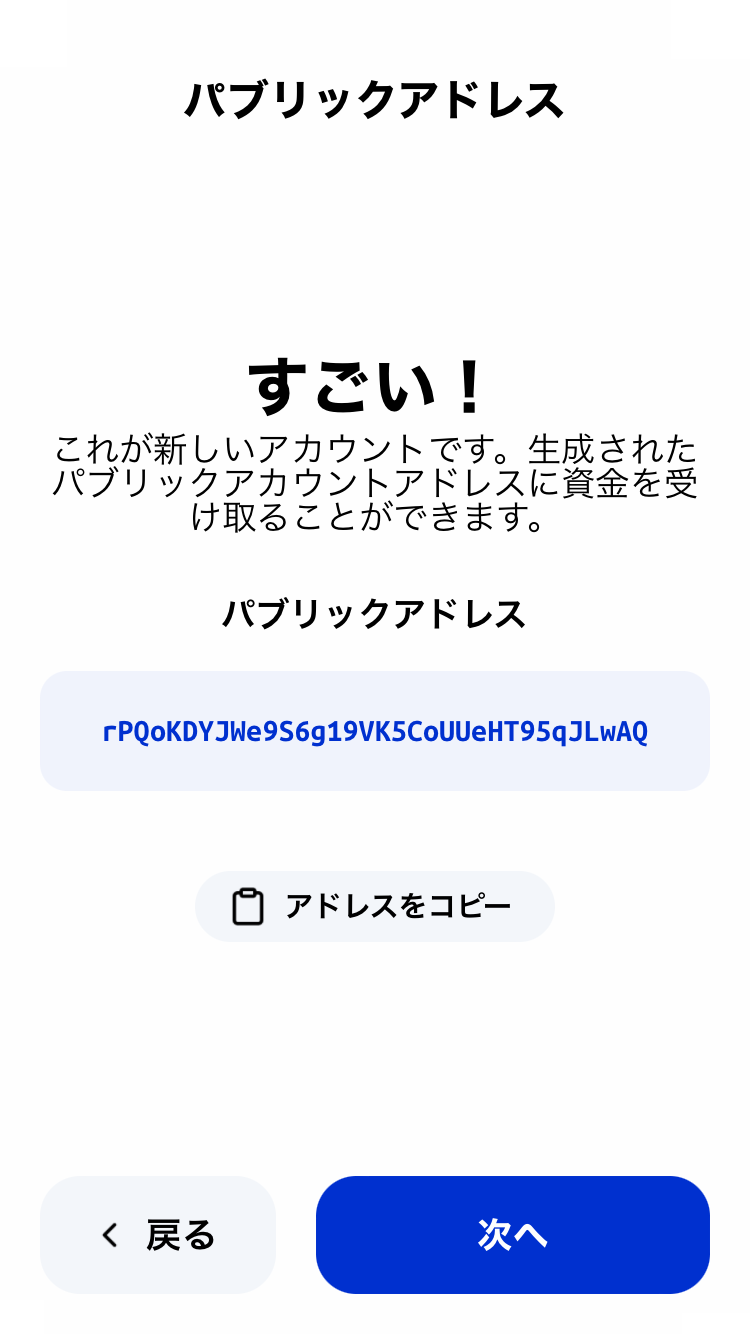
4. Your public address is generated
4Activate your account
(Activation)
To start using your account, you’ll need to deposit 1 XRP.
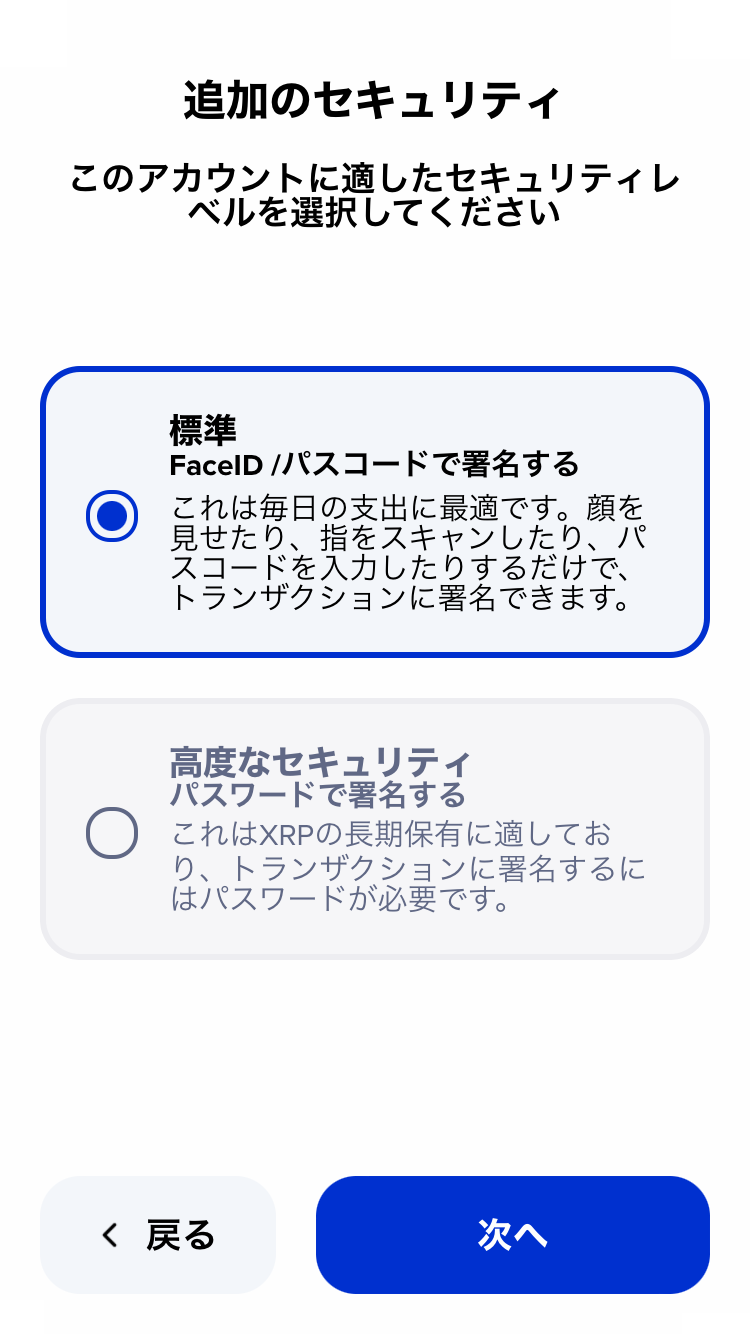
1. Choose “Additional security”
You can choose between standard and advanced security.
Since this guide focuses on NFT use, we’ll proceed with standard security.
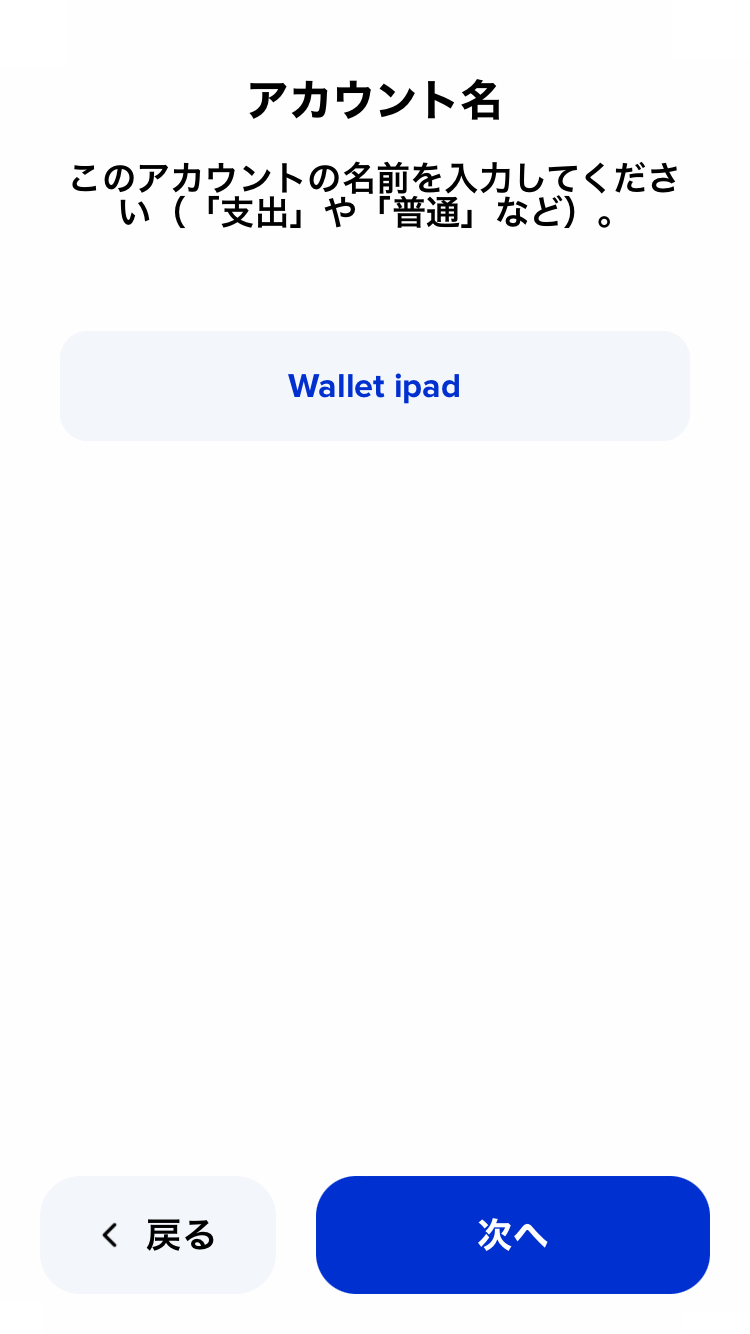
2. Set an account name
Give your account a name.
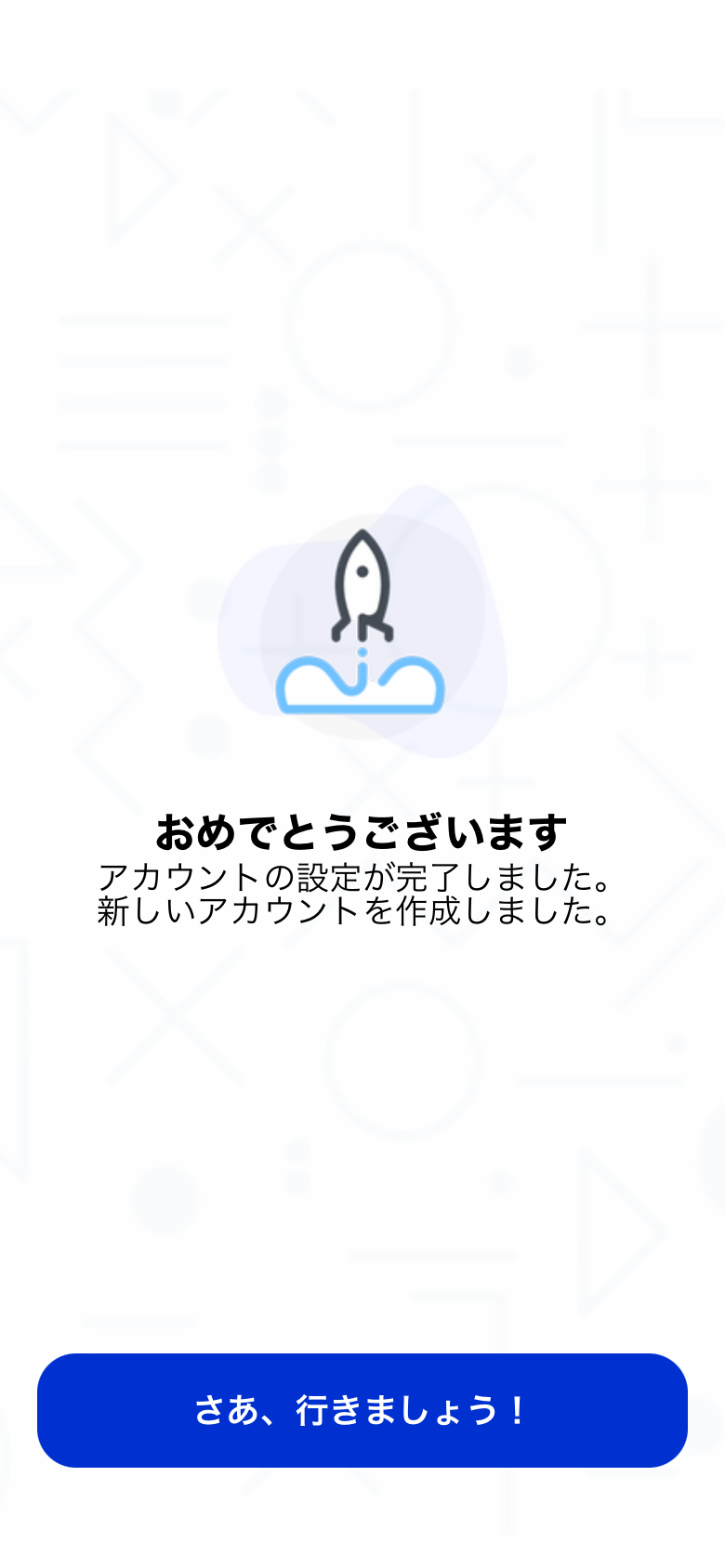
Once named, the account setup is complete.
Tap “Let’s go!” to continue.
3. Send at least 1 XRP to your new account
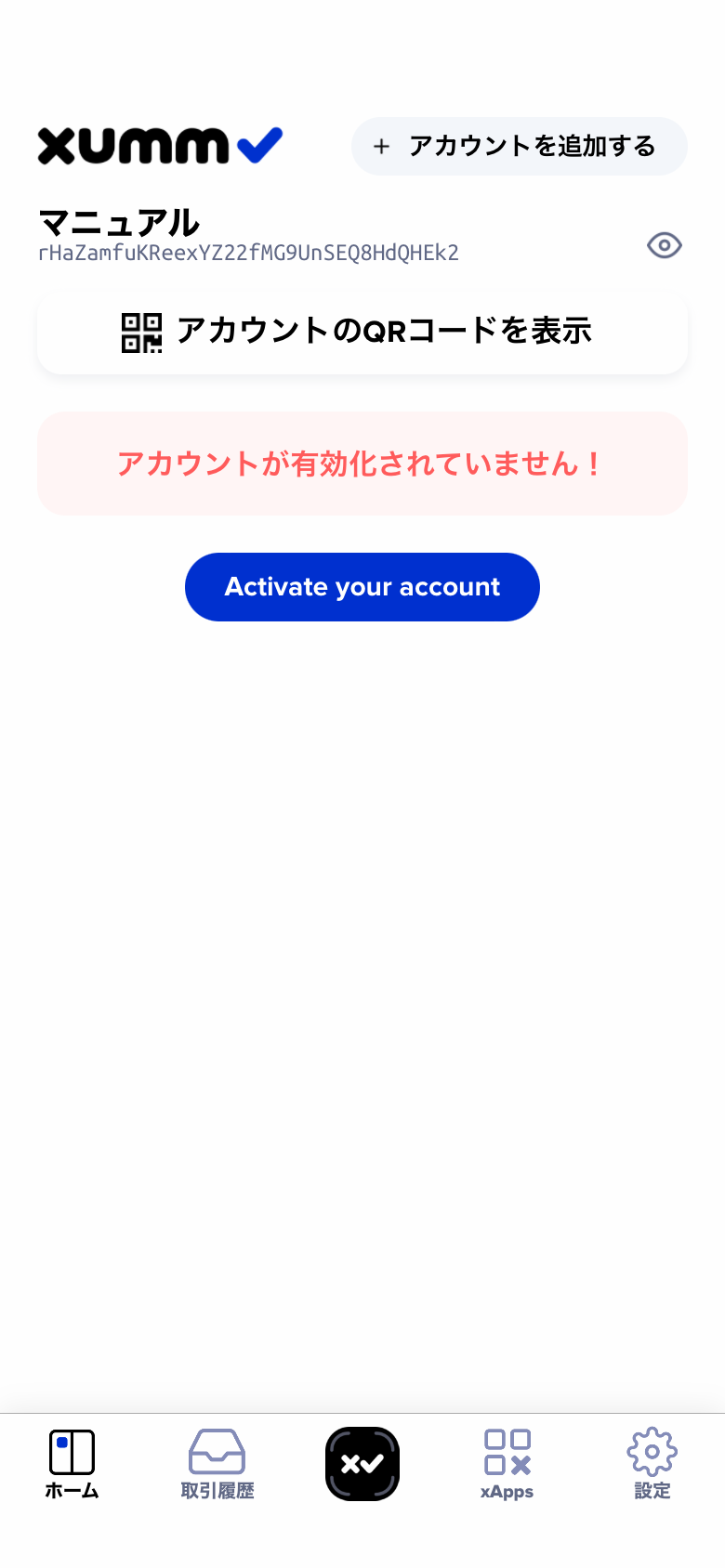
Your account isn’t active yet just by creating it.
Send at least 1 XRP to activate it and start using the wallet.
Tap “Show account QR code” and send XRP from an exchange to the displayed address.
4. Activation complete
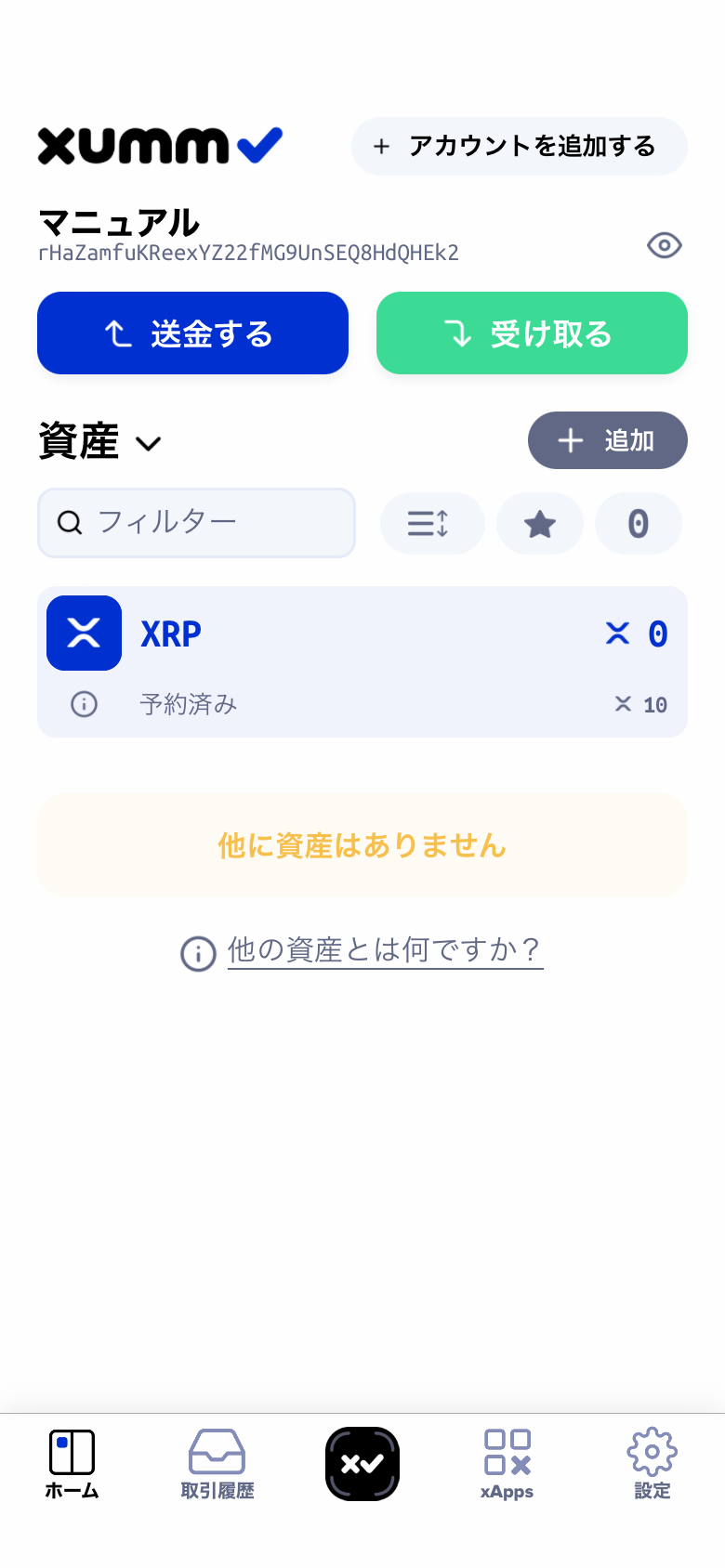
Once the 1 XRP arrives, your wallet is ready to use.